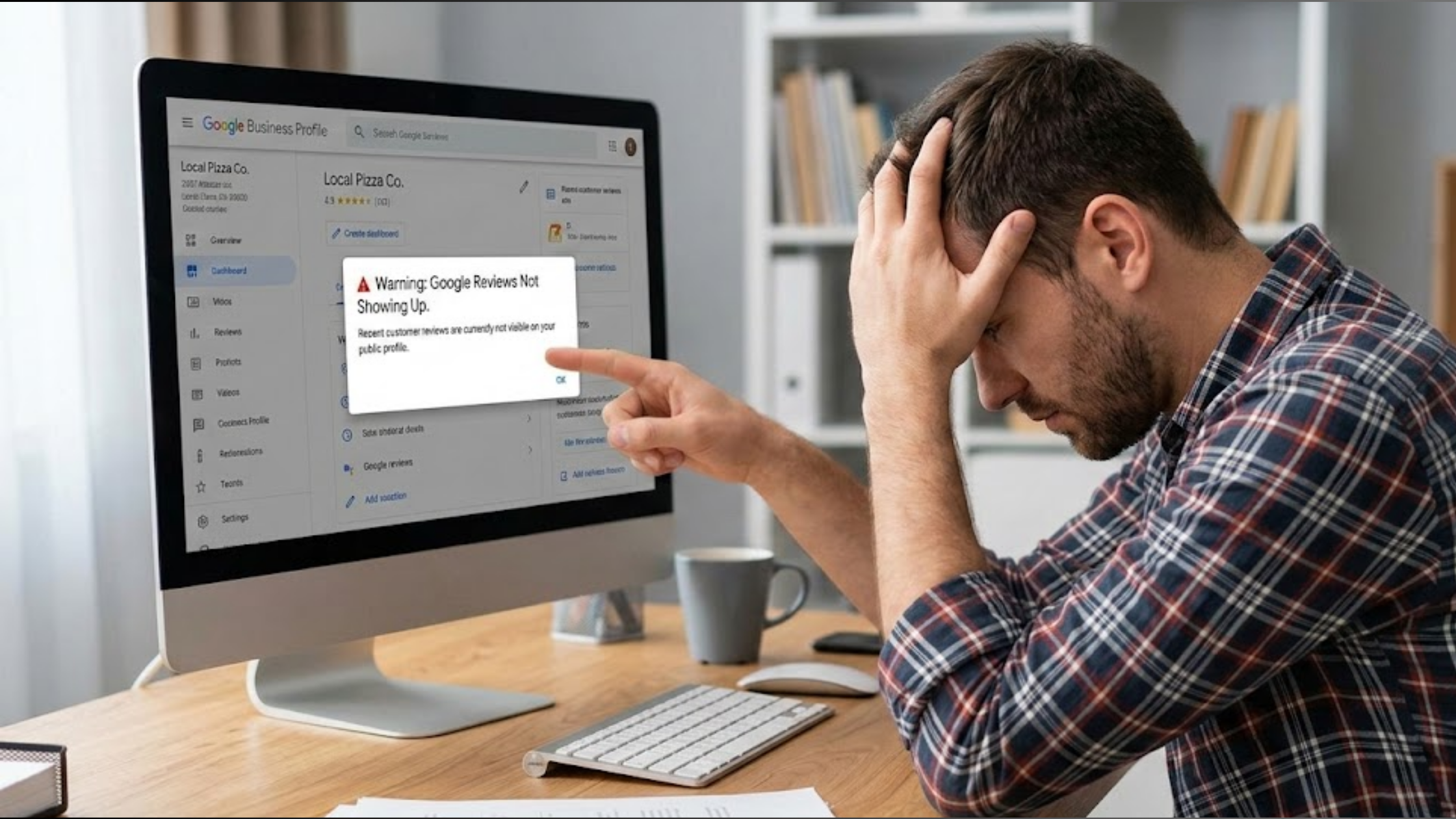
Your business not showing in map pack is one of the fastest ways to lose jobs to competitors who appear right at the top of Google.
Here’s how it usually goes.
Someone has a leaking sink and searches “plumber near me.” Three businesses show up instantly, complete with star ratings, phone numbers, and a call button.
Within seconds, they’ve chosen one. The job is booked, and you never even knew that customer was looking.
This plays out every single day for hardworking local service providers all over.
When people need help fast, they don’t scroll. They tap one of the three options in the Google Map Pack and move on. In fact, that small section captures nearly half of all local search clicks.
So, go ahead and Google your own business, and if it isn’t showing there, you’re missing out on ready-to-pay customers.
In this article, I’ll walk you through nine reasons this happens, each with a quick check you can do in under five minutes, and also show you the simple, hands-off solution to help your local business secure its spot.
Let’s get your phone ringing again.
What Is the Google Map Pack?
When someone searches for something local like “emergency electrician near me,” Google places three businesses right at the top, alongside a small map, star ratings, addresses, opening hours, and those easy “Call” and “Directions” buttons.
That small box is the Google Map Pack.

And it’s powerful. It appears in about 93% of local searches and attracts the majority of clicks, calls, and direction requests.
Businesses inside it can see up to 126% more traffic and 93% more actions compared to those sitting in positions four to ten.
For service businesses, this space is incredibly valuable.
The person searching usually needs help now and is ready to book.
The 9 Most Common Reasons For Your Business Not Showing in Map Pack
As you read, open business.google.com in another tab and check your own listing.
1) Unclaimed or Unverified Google Business Profile
Google often creates a basic listing for businesses automatically. But until you claim and verify it, Google doesn’t fully trust it.
Here’s a quick way to check: search your exact business name on Google Maps.
If you see “Claim this business” or a blue “Verify” button, that’s likely the issue.
Verified listings carry significantly more trust. Unverified profiles almost never make it into the Map Pack.
To solve this, log in to business.google.com. If it says “verification needed,” complete it. Phone, postcard, or video verification usually takes between one and five days.
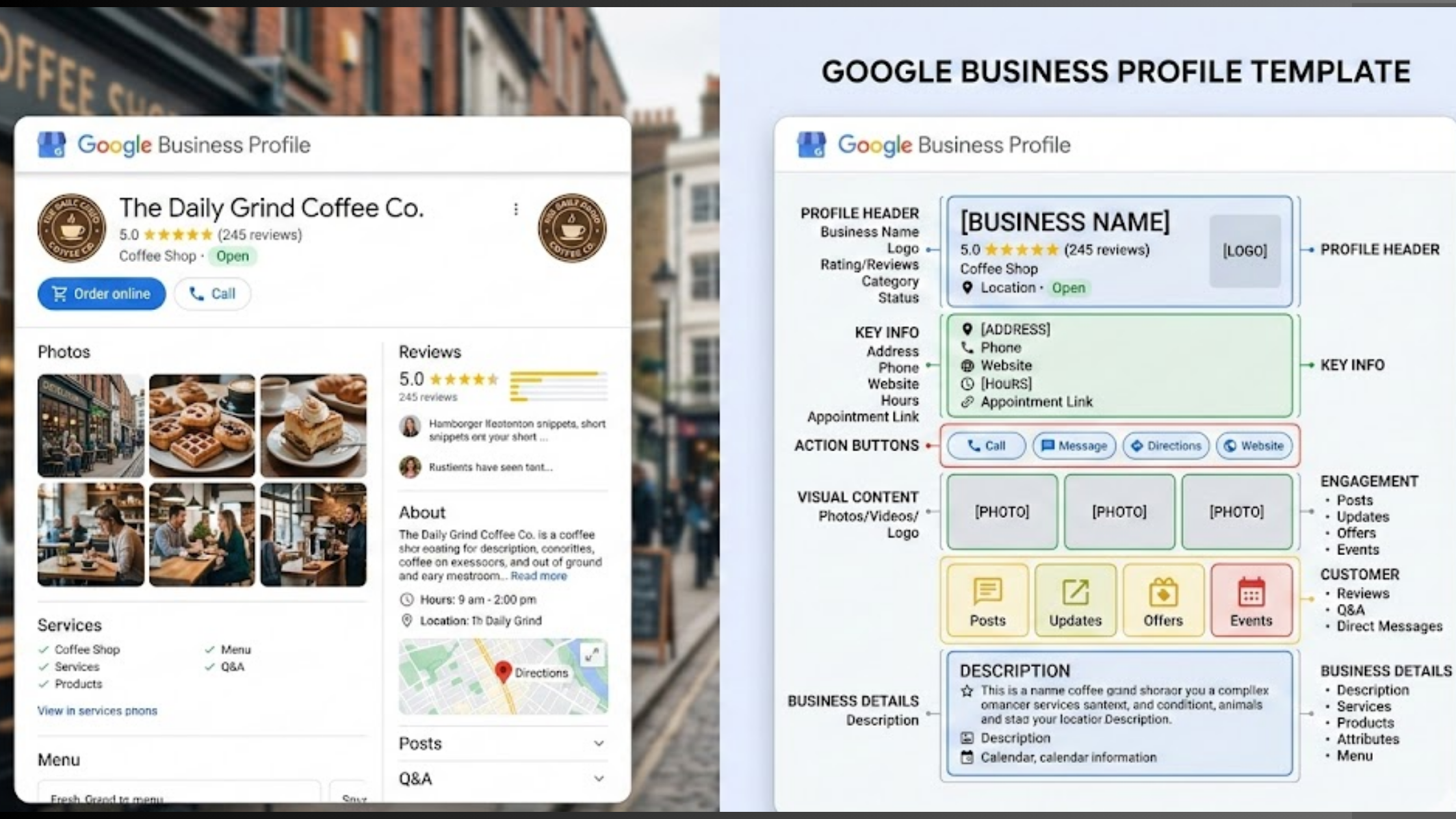
2) Incomplete or Outdated Profile Information
Take an honest look at your profile. Are there only a few photos? Are your hours accurate? Have you listed all your services?
Google prefers businesses that provide complete and current information. It helps the system match your business to the right searches.
Here’s what to do:
- Add at least 10 clear photos (inside and outside your van, shop, or workspace).
- List every service you offer.
- Write a detailed business description (around 750 characters) and include your location naturally.
- Update your opening hours whenever they change.
If this seems like alot of work for you, there is a tool that automates it all for you, from updates, to posts and even review management, on weekly basis.
The Localforce maganed service have eased up these repetitive task for many business out there, who don’t have the time to stay consistent.
3) Wrong or Weak Categories
Categories are one of Google’s strongest ranking signals.
If you selected something broad like “General Contractor” instead of a specific category like “Plumber,” you may be limiting your visibility.

Search for similar businesses in your area and compare their primary categories with yours.
Then:
- Choose the most accurate primary category for your main service.
- Add relevant secondary categories (you can include up to nine).
Being specific helps Google connect you to the right searches, and that’s what gets you into the Map Pack.
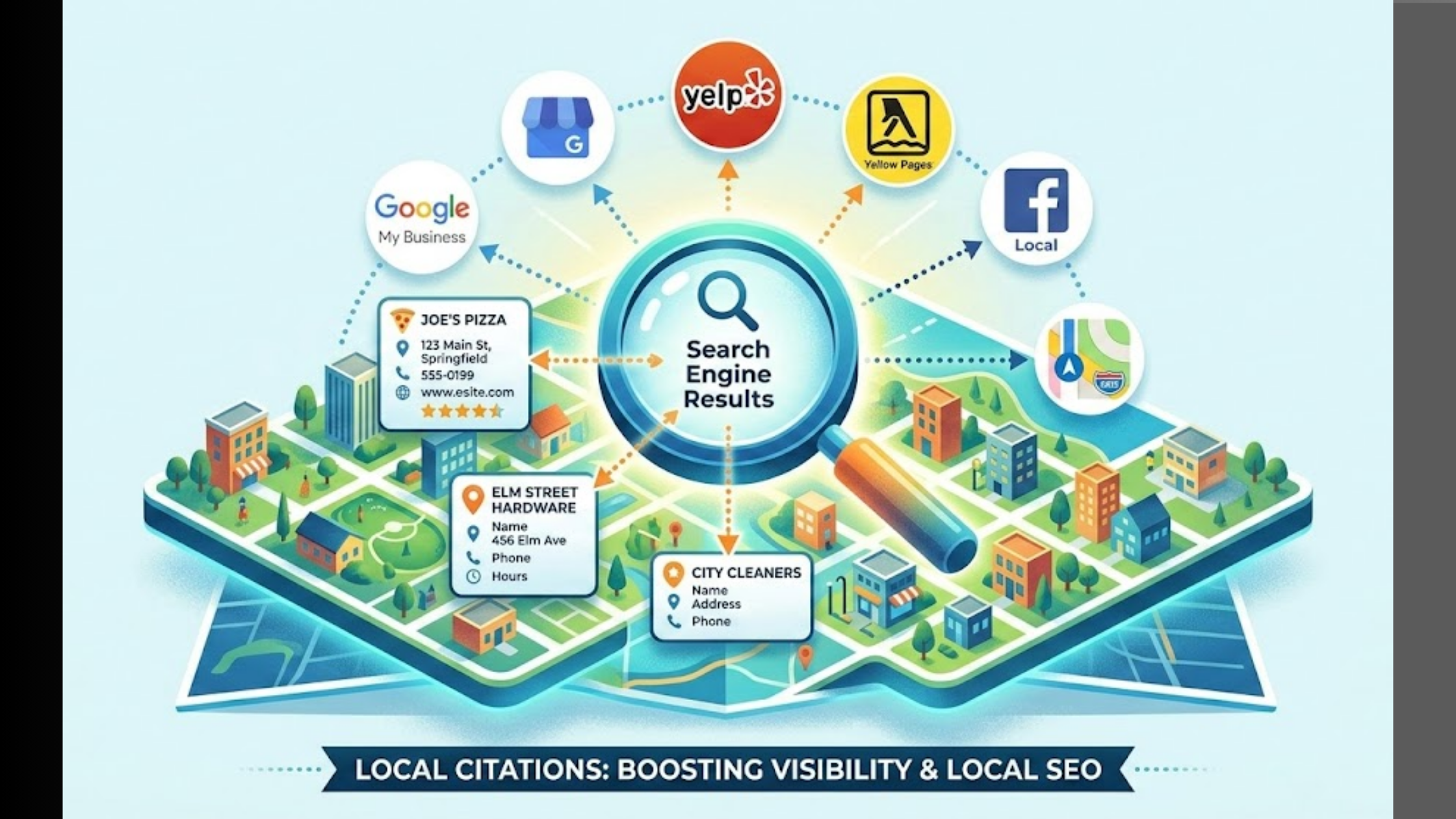
4) Inconsistent NAP (Name, Address, Phone) Across the Web
If your business name, address, or phone number appears differently on your website, Facebook page, Yellow Pages listing, or local directories, that’s a problem.
Do a quick search: type your business name plus your town (for example, your business name + Cairo).
Look closely at the results. Are there small differences in spelling? A different phone number? “St” on one listing and “Street” on another?
Those small inconsistencies confuse Google. When the details don’t match everywhere, your credibility drops, and so can your ranking.
Fix it by making sure everything matches exactly across every platform. Same spelling. Same format. Same phone number. Even tiny variations matter.
5) No Reviews or Very Slow Review Growth
If you have zero reviews, or just two or three from last year, that’s holding you back.
Reviews are one of Google’s strongest trust signals. Businesses that receive steady, fresh reviews tend to move up faster than those with silence on their profile.
The solution is simple but requires consistency.
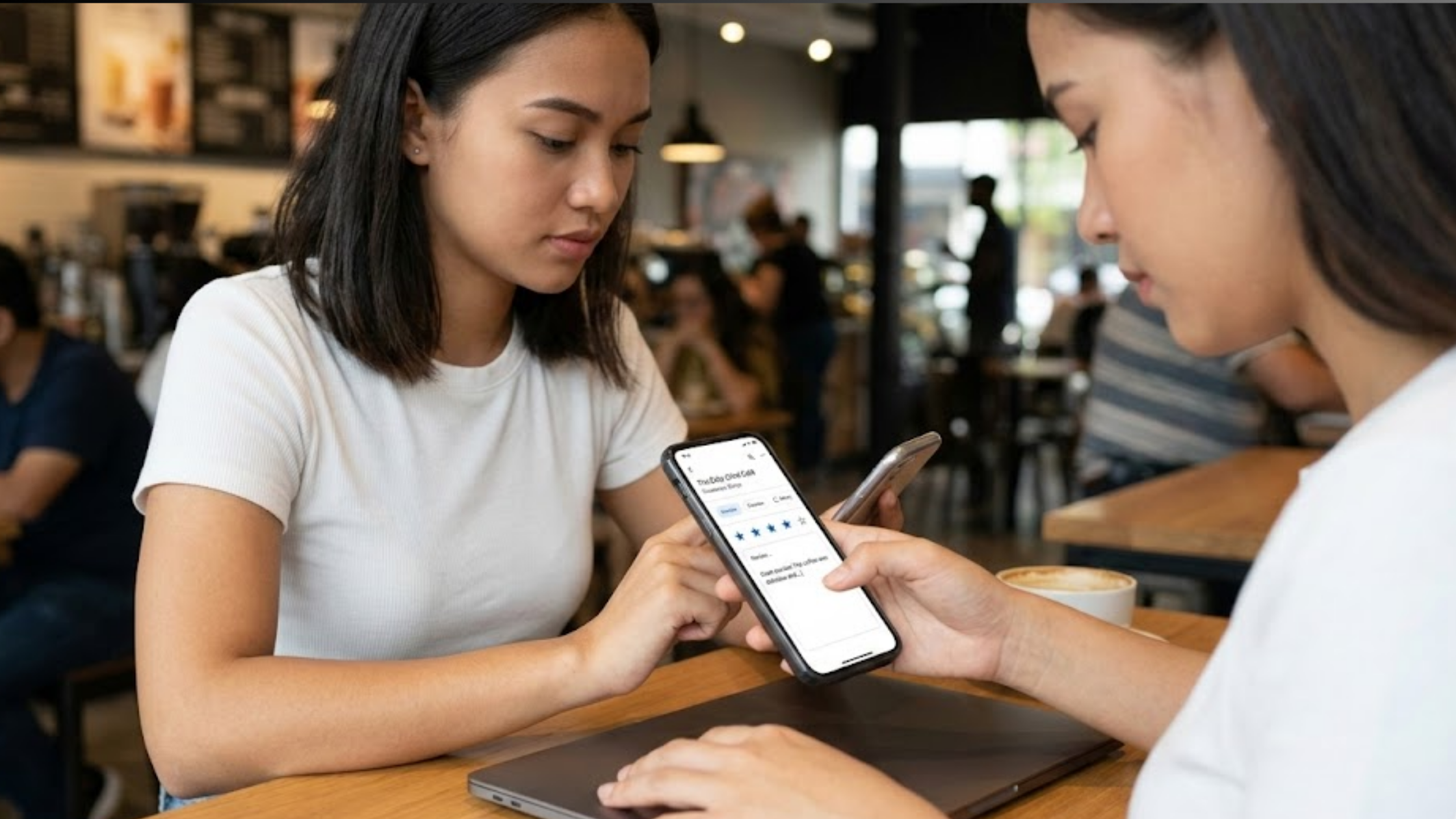
Ask every satisfied customer to leave a review. Make it part of your process after completing a job. Then reply to every review, positive or negative, within 24 hours.
Active engagement shows Google and future customers that you’re responsive and reliable.
6) Zero Activity or Posts on Your Google Business Profile
When was the last time you added a photo or posted an update?
If your profile has been sitting untouched for months, Google notices. Active profiles perform better, while inactive ones slowly slide down.
Start posting once or twice a week.

Share a special offer. Upload before-and-after photos from recent jobs. Post a quick tip related to your service.
These small updates signal that your business is alive and operating.
7) Service-Area or Proximity Problems
You might serve a wide area, but if your service locations aren’t properly set up in your profile, Google won’t connect you to those searches.
Proximity is one of the three major local ranking factors, alongside relevance and prominence.
If someone searches from West Hollywood and your profile doesn’t clearly show you serve that area, you may not appear, even if you’re willing to travel there.
Go into your Google Business Profile and list every suburb, town, or area you serve. Be specific.
8) Duplicate, Suspended, or Restricted Profile
Sometimes Google detects two listings for the same business.
Other times, a guideline violation causes a suspension, even something as simple as adding extra keywords to your business name or using a P.O. box address.
Search your business name carefully. Do you see more than one listing? Have you received a suspension notice inside your dashboard?
Duplicates split your visibility, and suspensions remove you entirely.
Merge duplicate listings if possible. If suspended, submit an appeal through your Google Business Profile dashboard and correct any guideline issues first.
9) Weak Website Signals
Your Google Business Profile doesn’t work alone. Google looks at your entire online presence.
If your website isn’t properly linked to your profile, doesn’t show your exact Name, Address, and Phone number, or lacks location-based content, that weakens your authority.
Make sure:
- Your website displays your NAP exactly as it appears on your Google profile.
- You link your website to your Google Business Profile.
- You create individual pages for each service you offer, clearly mentioning your location.
The stronger your website signals, the more confident Google becomes in ranking you inside the Map Pack.
If you’ve made it this far, you’ve probably already spotted one or two areas that need attention.
Luckily enough, most of these fixes are simple.
A few small adjustments can make a major difference in how often your business shows up and how often your phone rings.
Diagnose Your Situation in 5 Minutes: Free Checklist
Open business.google.com and walk through this quickly.
- Is your profile claimed and verified?
- Are your hours, services, and photos fully filled in?
- Do all directories show the exact same name, address, and phone number?
- How many reviews have you received in the last 30 days?
- When did you last publish a post?
- Are your service areas set correctly?
- Do you see any suspension or warning notices?
- Does your website link back to your Google Business Profile?
Be honest with your answers.
If you said “No” to even one of these, that’s likely the reason for your business not showing in map pack.
Most of the time, it’s one or two small gaps that quietly push you out of the top three.
DIY Fixes That Usually Fall Short and Why
You can absolutely fix most of these things yourself.
In fact, many business owners do. They spend a weekend updating photos, adjusting categories, and asking for reviews. Sometimes they see small improvements.
The real challenge starts after that.
Keeping your profile active every single week, by posting updates, replying to reviews, checking rankings, and monitoring competitors takes time. And when you’re out handling jobs all day, that time disappears fast.
What usually happens is momentum fades after two or three weeks. The profile goes quiet again, rankings slip, and the Map Pack spot vanishes.
Consistency is what wins locally. And consistency is what’s hardest to maintain.
The Game-Changing Solution: Olitt’s LocalForce the Hands-Off Map Pack Domination
LocalForce is an AI-powered Google Business Profile manager that handles the routine work for you so you can stay focused on serving customers instead of managing dashboards.

Here’s what it takes care of:
- Creates and publishes 5–10 geo-tagged posts per week in your brand voice (offers, job highlights, tips)
- Writes and sends review replies automatically, sounding natural and on-brand
- Syncs your business information to 10 major directories
- Tracks your keywords and competitors, then sends simple monthly reports
- Protects your profile from unauthorized changes
- Connects seamlessly with your existing Olitt AI website
The pricing is straightforward. The Growth plan is $ 29.99 per month per location (less if paid annually). There’s a free trial, and you don’t need a card to start.
If you already have an Olitt website, LocalForce connects in one click.
Instead of constantly asking why is your business not showing in map pack, you can have your profile optimized and active around the clock.
FAQs About Localforce
How long until I see my business in the Map Pack with LocalForce?
Most users see movement in 2–4 weeks. Full Map Pack ranking often appears within 30–45 days when everything is optimized.
Does LocalForce work if I already have an Olitt AI website?
Yes. It connects automatically and makes your website plus GBP work together perfectly.
Is there a free plan?
Yes, a limited free tester plan for one location to check your current health and get basic suggestions.
Can I cancel anytime?
Of course. No contracts, cancel any time.
What if my profile is suspended?
We help you appeal and fix guideline issues before starting the automation.
Will it work for multi-branch businesses?
Yes. The Pro plan is built for franchises and multiple locations with bulk tools and white-label reports.
Is it safe for Google?
100%. We follow every Google guideline and only use your own business data.
Ready to Finally Get Into the Map Pack?
To avoid all these issues leading to your business not showing in map pack, Localforce automates the routine tasks for you and makes sure you rank in the map pack for your location.
Thousands of local businesses across the world are already using it.
And since your spot in the Map Pack is still waiting, it’s high time you got yourself a magic wand and cleared all these tasks.
We also know you’re busy running your business so our Localforce is meant to help you with consistent posting and updates.
Your business deserves to be found. Start your free trial today and watch the calls come in.