Local search has evolved significantly by 2026.
When someone searches for a service today, the results page doesn’t always look the same. Sometimes Sponsored Ads appear first, followed by the Google 3 Pack. Other times, an AI-generated overview shows up at the top, summarizing businesses or answering the user’s question before the usual listings even appear.
Google has also started blending paid listings inside the 3 Pack itself, meaning ads can appear alongside organic local results. Recent industry observations suggest that about one in five local packs now includes a mix of ads and organic businesses.
Despite these shifts, the Google 3 Pack remains one of the most trusted sections of local search results. This is where people check reviews, click to call, and get directions.
In other words, this is where real buying decisions happen.
For businesses that operate in multiple locations, showing up in these results requires more than just a homepage. You need well-optimized local landing pages that clearly tell search engines where you operate and what services you offer.
When done right, these pages help Google connect your business with nearby customers who are ready to take action.
In this guide, you’ll learn a complete local landing pages checklist you can use to improve visibility, attract local traffic, and turn searchers into customers.
Whether you run a small business or manage SEO for several locations, this checklist will help you build local pages that actually perform.
What Are Local Landing Pages?
Local landing pages are simply web pages created for a specific location where your business operates.
Instead of having one general page that tries to serve everyone, you create separate pages for different cities or regions. This helps both search engines and potential customers understand exactly where you offer your services.
For example, a website might have a general service page, and then a few location-specific pages like this:
| Page Type | Example URL |
| General service page | yoursite.com/web-design |
| Location page | yoursite.com/web-design-nairobi |
| Location page | yoursite.com/web-design-mombasa |
Each of these pages focuses on a location-based search, such as “web design Nairobi” or “web design Mombasa.”
This makes it easier for search engines to connect your business with people searching for services in those areas.
Why Local Landing Pages Are Important for SEO
Local landing pages help Google understand where your business operates. But ranking locally isn’t just about having the page.
Search engines also look at other signals, such as your Google Business Profile, reviews, posts, and consistency in business information.
This is where tools like Olitt Localforce come in. It helps businesses manage and optimize their Google Business Profile, schedule posts, track performance, and keep information up to date, all of which improve local visibility and customer engagement.
When your location pages and Google Business Profile work together, your chances of appearing in local search results increase significantly.
When set up properly, local landing pages can help you:
- Rank for location-based searches in different cities or neighborhoods
- Attract high-intent local visitors who are actively looking for your service
- Improve your visibility on Google Maps and the local 3-pack
- Increase calls, inquiries, and walk-in customers
Many growing businesses use this approach to expand their reach across multiple regions.
If you want an easier way to build and manage these pages, Olitt’s website builder lets you create location pages quickly and keep everything organized in one place.
Local Landing Pages Checklist (Step-by-Step)
When you’re creating or improving a local landing page, it helps to follow a clear process. A structured checklist ensures that your page includes the important elements search engines look for and the information visitors expect to see.
The steps below will help you build well-optimized local pages that perform better in search results and connect with nearby customers.
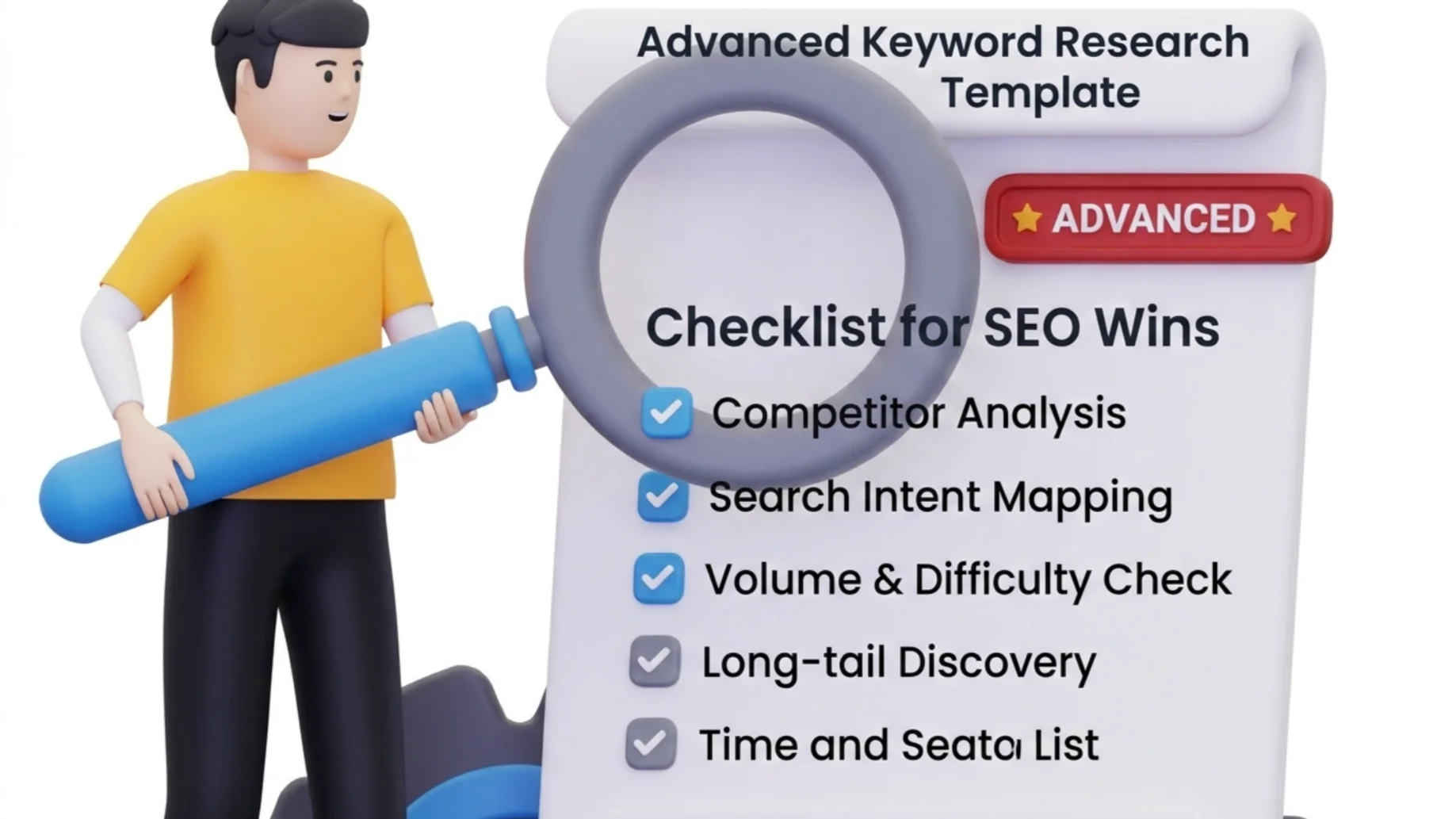
1) Use a Location-Specific Keyword
Every local landing page should focus on one primary keyword that combines your service with a location. This makes it clear to search engines which audience the page is meant for.
For example, instead of targeting a broad term like website design, you would use something more specific, such as:
- Website Design in New York
- SEO Services Los Angeles
- Digital Marketing Agency Chicago
Once you identify your main keyword, place it naturally in important areas of the page, such as:
- The page title
- The URL
- The main heading (H1)
- The introduction
- The meta description
The goal is to make the keyword visible without forcing it into every sentence. Natural placement always works better than repetition.
2) Create a Unique Page Title
Your page title is one of the strongest signals search engines use to understand what your page is about. A clear and well-structured title also helps users quickly decide whether your page is relevant to their search.
A simple format that works well is:
Service + Location | Business Name
For example:
Website Design in New York| Olitt
Try to keep your title under 60 characters, so it displays properly in search results without getting cut off.
3) Optimize the Page URL
Your URL should clearly show the service and location you are targeting. A clean, descriptive URL is easier for both users and search engines to understand.
A good example would look like this:
yourwebsite.com/seo-services-New York
Avoid long or confusing URLs such as:
yourwebsite.com/page123?id=45
Short and descriptive URLs not only improve readability but also help search engines quickly identify the topic of the page.
4) Write a Localized Introduction
The opening section of your page should immediately mention the location you serve and the service you offer. This helps search engines connect your page to local searches and reassures visitors they are in the right place.
For example:
If you’re looking for reliable website design in New York, you need a partner who understands the local business environment and the needs of your customers.
This simple approach establishes relevance early and sets the tone for the rest of the page.
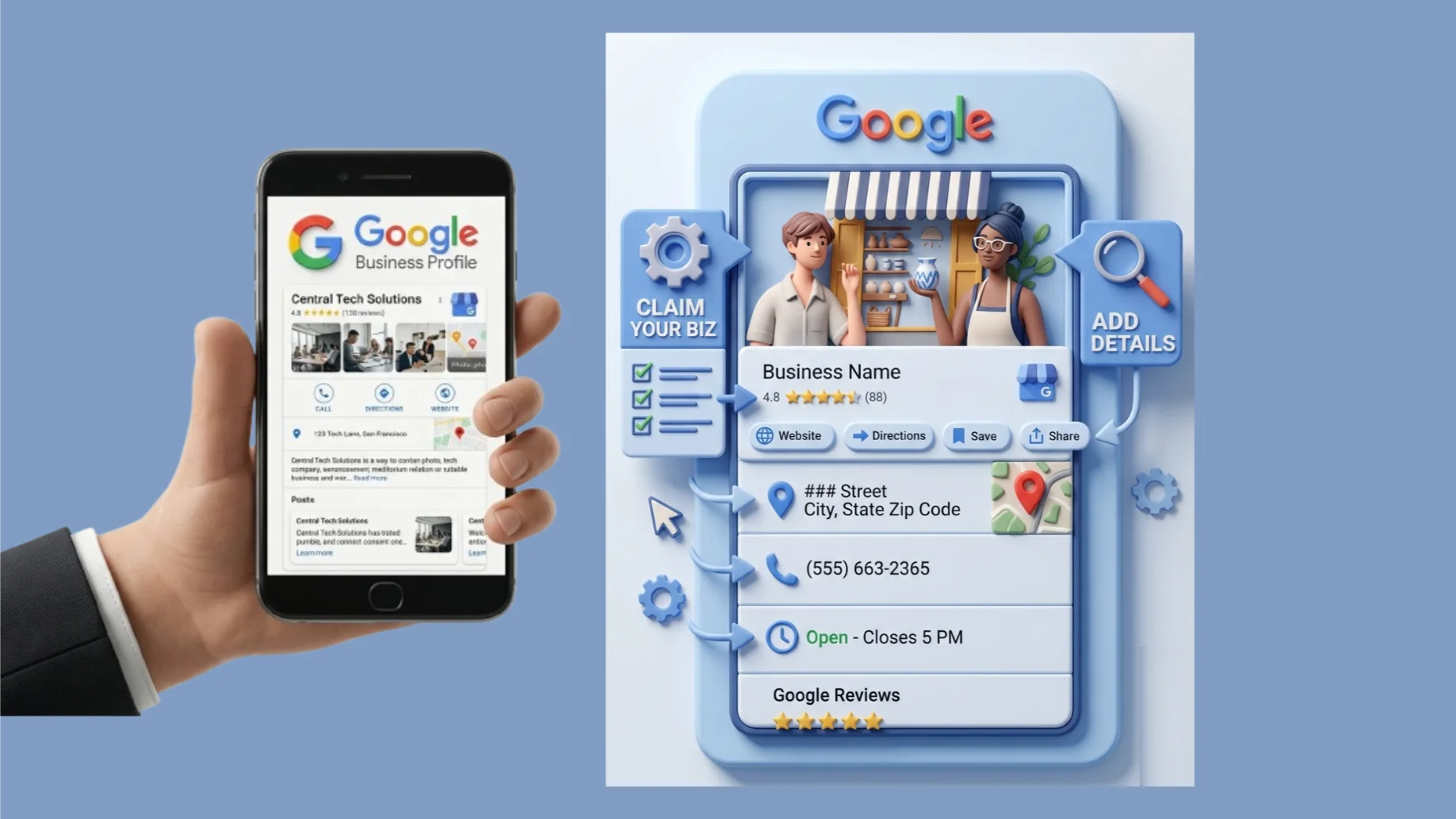
5) Keep Your Google Business Profile Active
Local landing pages work best when they support a well-optimized Google Business Profile.
Make sure you:
- Post updates regularly
- Respond to customer reviews
- Keep business details accurate
- Add photos and service descriptions

Tools like Olitt Localforce can automate many of these tasks by helping manage posts, reviews, and profile updates from one place.
6) Add Local Business Details (NAP)
NAP stands for Name, Address, and Phone number, and these details are an essential part of local SEO. Your landing page should clearly display this information so visitors know exactly how to contact or locate your business.
Here’s a simple format you can use:
Business Details (Example)
Business Name
Olitt
Address
New York, NY, USA
Phone
+1 (212) XXX-XXXX
Consistency is important here. Your NAP details should match the information shown on your Google Business Profile, social media pages, and local directories.
7) Include a Google Map
Embedding a Google Map on your landing page improves both user experience and local SEO signals. It allows visitors to quickly see where your business is located and makes it easier for them to get directions.
Adding a map can also help build trust because it shows that your business has a real, verifiable presence in the area. Most modern website builders make embedding Google Maps simple.

8) Add Local Content
Local landing pages work best when they include information that is specific to the area you serve. Instead of using generic descriptions, mention local neighborhoods, nearby landmarks, or communities that are familiar to your audience.
For example:
We work with businesses across Manhattan, Brooklyn, and Queens, helping them build websites that attract local customers.
Including these references helps search engines associate your page more closely with the location.
9) Showcase Customer Reviews
Trust plays a major role in local search decisions. When visitors see reviews from customers in their area, they feel more confident about choosing your business.
You can highlight reviews through:
- Testimonials
- Star ratings
- Short case studies

Positive feedback not only strengthens credibility but can also increase conversions on your landing page.
10) Add Local Images
Images can make your landing page feel more authentic and relatable. Instead of relying entirely on stock photos, try to include visuals that show your actual presence in the area.
Examples include:
- Photos of your office or workspace
- Pictures of completed projects
- Team photos
- Local landmarks near your business
Real images help visitors see that your business is actively involved in the community.
11) Use Clear Call-to-Actions (CTAs)
A landing page should guide visitors toward the next step. Without a clear call-to-action, many users may simply leave the page without contacting you.
Effective CTAs include:
- Call now
- Request a quote
- Book a consultation
- Start your project
For example:
Start your website today with Olitt.
A clear and visible CTA can make a big difference in how many leads your page generates.
12) Add Internal Links
Internal links help visitors navigate your website while also helping search engines understand how your pages connect.
From your local landing page, you can link to:
- Service pages
- Related blog articles
- Your contact page
Use descriptive anchor text such as:
- Website design services
- Affordable hosting plans
- Online store builder
Just remember not to place too many links in the same paragraph, as that can make the content feel cluttered.
13) Optimize Meta Descriptions
Your meta description appears below the page title in search results, and it plays a big role in encouraging users to click on your page.
A good meta description should clearly explain what the visitor will find on the page.
Example:
Looking for professional website design in New York? Olitt helps businesses build fast, SEO-friendly websites that attract customers.
Keep your description under 160 characters and focus on writing something clear, helpful, and action-oriented.

14) Improve Page Speed
Page speed has a direct impact on both search rankings and user experience. Slow pages often lead to higher bounce rates because visitors are less likely to wait for a page to load.
Some simple ways to improve speed include:
- Compressing images before uploading them
- Using reliable hosting
- Limiting unnecessary plugins
- Enabling caching tools
A faster page keeps visitors engaged and increases the chances that they will stay long enough to contact you.
15) Ensure Mobile Optimization
Most local searches today happen on smartphones. Because of this, your landing page must be fully optimized for mobile users.
That means the page should:
- Load quickly on mobile devices
- Be easy to read without zooming
- Include clickable phone numbers
- Have large, easy-to-tap buttons
A mobile-friendly design makes it easier for customers to contact you immediately.
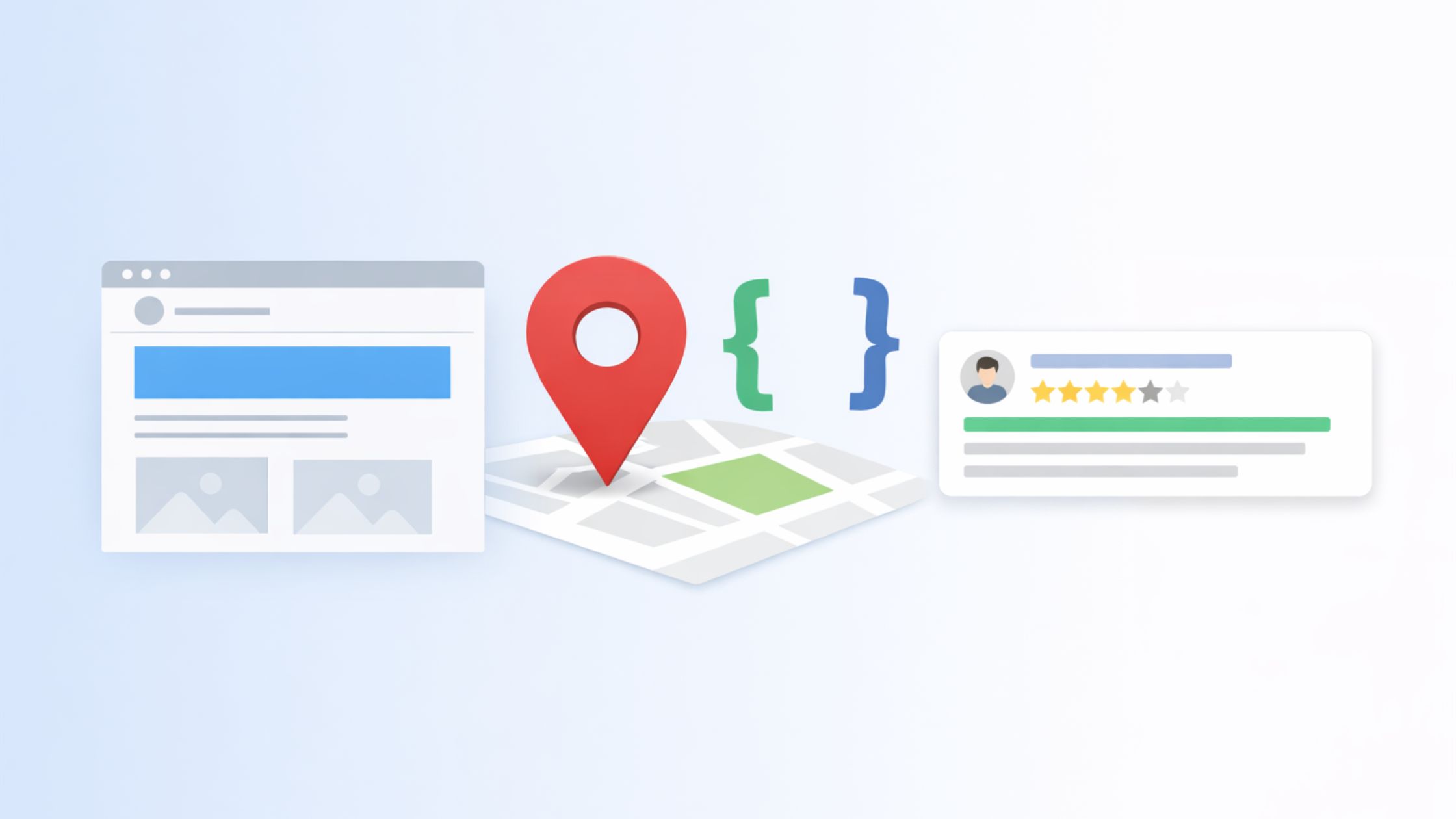
16) Add Structured Data (Schema)
Structured data, often called schema markup, helps search engines better understand the details of your business.
Adding local business schema can improve your chances of appearing in rich search results and knowledge panels.
Typical schema information includes:
- Business name
- Address
- Phone number
- Opening hours
- Geographic coordinates
Many modern website platforms include schema automatically, but it’s still worth checking to ensure your local details are correctly structured.
Turning Local Searches into Real Customers
Local search continues to evolve, but one thing remains clear: businesses that show up in the right location at the right time win more customers. Creating dedicated local landing pages is one of the most practical ways to make that happen.
By targeting specific cities or neighborhoods, these pages help search engines clearly understand where you operate while giving potential customers the information they need to contact or visit your business. When combined with good content, accurate business details, customer reviews, and clear calls-to-action, they become powerful tools for attracting local traffic and turning visitors into leads.
Local landing pages are one of the most effective ways to capture location-based searches.
When combined with a well-optimized Google Business Profile, they create strong local signals that help your business appear in local search results and map listings. If you want to simplify this process, Olitt Localforce helps businesses manage profile updates, reviews, and local activity, making it easier to stay visible where customers are searching