If you want your business to make a great first impression quickly, a one-page website is hard to beat.
But the question is, “How can you create a one-page website with AI?”
Not long ago, building a professional website could take months and cost thousands of dollars. You’d need a designer, a developer, and sometimes even a separate person just to maintain it.
Today?
Thanks to AI website builders, you can have a clean, fully functional website ready in under an hour, for only a few dollars.
Here’s how building a website with AI works: instead of you figuring out where everything goes, AI analyzes your business and builds a design that actually makes sense.
Say you tell it, “I’m a wedding photographer.” The AI will instantly create a layout designed to showcase your photos, add testimonials, and even suggest a contact section for bookings.
So in just minutes, you will have a complete website layout, content, and visuals, ready to publish.
This shift has made it possible for anyone, even complete beginners, to launch a professional website with almost no effort.
In less than half a minute, your visitors can understand what your business offers and how to get in touch. No clutter. No confusion. Just results.
Which AI Website Builder Should You Choose?
Before we go into how to create a one-page website with AI, let’s first look at the possible AI builders you could use.
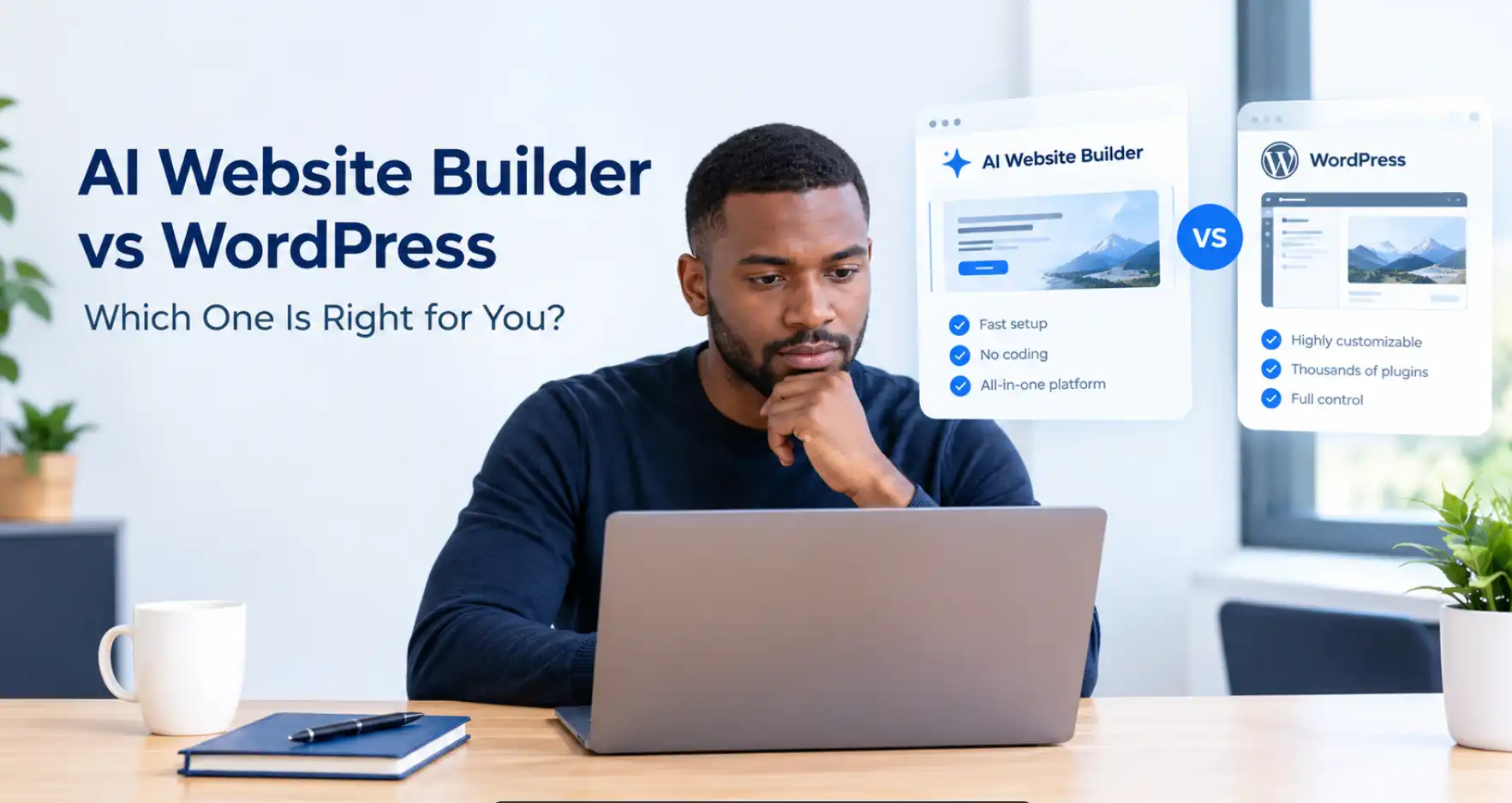
There are many AI website builders out there, and the best one depends on what you need. Here’s a breakdown of three popular options, each with its own strengths and trade-offs.
Wix AI

Wix is one of the oldest and most established website builders out there, and its AI tool has evolved into a powerful platform that can generate highly detailed sites in minutes.
Why build with Wix:
- Sophisticated AI that creates complete sites with multiple sections, online stores, and booking systems.
- Tons of flexibility to edit and customize your design.
- Robust marketing and SEO tools built right in.
Wix downsides:
All that power can feel a bit overwhelming. There’s a learning curve, and pricing starts at around $17 per month and could prove costly to keep your site live.
But it will do just fine if you don’t mind paying a premium for website building and built-in Wix hosting.
Squarespace AI

If you care about aesthetics as much as functionality, Squarespace is a strong contender. It’s known for sleek, magazine-quality templates that make your site look professionally designed from day one.
With Squarespace, you’ll enjoy these and more features:
- Gorgeous, polished templates that make your site look high-end.
- Smooth, intuitive editing experience.
- Built-in tools to help you refine your brand visuals.
Squarespace downsides:
Starting at $16 per month, Squarespace is costly in the long run, especially if you’re just starting out and on a budget. It offers only a 14-day free trial before you need a paid plan, so it’s better suited to those who value presentation over price.
Olitt AI

Olitt AI might be a new entrant in the market, but don’t let that fool you. This AI builder is a strong competitor against long-time players like Wix and Squarespace. In fact, its lightweight nature might be its biggest advantage, as it gives you great-looking professional websites without all the fuss.
Additionally, there’s no subscription. Olitt pricing starts at a low annual pricing of $19 a month, with equally affordable yearly renewal pricing. This is very sustainable as you don’t have to worry about steep ongoing monthly costs.
Olitt is different from other AI website builders for these reasons:
- One-time payment: Pay once and you’re done. No renewals or monthly bills.
- Global speed: Uses a global CDN, meaning your site loads quickly no matter where your visitors are.
- Built-in protection: Free SSL certificates and advanced security features are included at no extra cost.
Olitt Downsides:
Olitt offers fewer features than Wix or Squarespace, but that’s kind of the point. It gives you exactly what you need for a clean, professional one-page website without overwhelming you with options you’ll never use.
Start by choosing the AI website builder that fits you best
Each of these AI website builders can get the job done; they just cater to different needs and budgets.
No matter which one you pick, you’ll have an AI assistant that can help you create a stunning one-page website in minutes and finally get your idea out into the world.
Let’s Build Your One Page Website Step-by-Step
Step 1: Set your target audience and website goals
Before you even open your laptop, grab a piece of paper and answer these questions:
What’s your website’s goal?
- Are you trying to get people to call you?
- Do you want them to buy something?
- Are you building an email list?
- Do you just want to look professional?
Who are you talking to? Don’t say “everyone”. Get specific:
- “Busy moms who want healthy meals but don’t have time to cook”
- “Small business owners who are tired of doing their own bookkeeping”
- “Couples planning their wedding who want amazing photos without breaking the bank”
What makes you different? This is your “so what?”
In other words, people are wondering, “If I can get the same thing from your competitor, why should I choose you instead?”
So, for example, instead of just stating your value proposition as “I’m a graphic designer,” try “I help small restaurants create menus that make customers order more expensive items without feeling manipulated.”
Step 2: Choose your AI website builder

Based on what we covered above, pick your platform. If you’re still unsure, here’s my recommendation:
- Want a sophisticated website without breaking the bank? Go with Olitt AI
- Want lots of options and don’t mind paying monthly? Choose Wix or Squarespace
For this guide, we’ll use Olitt AI website builder.
Step 3: Prompt your AI builder with instructions
This is where most people mess up. They give the AI lazy, generic information and then wonder why their website looks like everyone else’s.

Be as specific as possible about your business:
“I help local restaurants fill empty tables during slow periods by creating targeted social media campaigns that turn followers into customers. My average client sees a 40% increase in weeknight bookings within 90 days.”
You can use this template to prompt your AI:
“I’m [your name] and I [what you do] for [specific type of customer] who [their main problem]. What makes me different is [your unique advantage]. I want visitors to [take this specific action] because [the benefit they’ll get].”
Step 4: Let the AI generate your site
Hit the generate button and after one to several minutes (depending on the AI builder you’re using), you’ll get a rough draft of what the AI will do. Read through the draft and refine it if necessary.

Generate 2-3 different versions by slightly changing your description. Sometimes the AI’s second or third attempt hits the mark better than the first.
Step 5: Customize your one page website
Now turn the AI draft into something that represents your brand.
Fix the copy:
- Read everything out loud. If it doesn’t sound like something you’d actually say, change it
- Replace generic phrases like “quality service” with specific benefits like “I respond to all emails within 2 hours, even on weekends.”
- Add personality. If you’re funny, be funny. If you’re serious and professional, embrace that
Add images:
- Use real photos of yourself, your work, or your products
- Avoid those obviously fake stock photos (you know the ones – overly happy people pointing at laptops)
- Show your work in action, not just the final result
Fix the navigation:
- Add smooth-scrolling links so people can jump to different sections
- Put your most important information “above the fold” (what people see before they scroll)
- Have multiple ways for people to contact you (phone, email, contact form)

Step 6: Do SEO and Optimize your one page website to be mobile-friendly
Pull out your phone and look at your website. Does it look good? Can you easily tap the buttons? If not, fix it. More than half of your visitors will be on their phones.
In addition, test the loading speed. Nobody waits for slow websites anymore. If your site takes more than 3 seconds to load, people leave. This is where Olitt’s CDN really shines as it automatically makes your site load faster worldwide.
To get found on Google, optimize it by the following:
- Write a compelling page title (what shows up in Google search results)
- Create a meta description that makes people want to click
- Use headings (H1, H2, H3) to organize your content
- Add your location if you’re a local business
Step 7: Test Everything Before You Launch
Do the following before you hit publish:
- Click every button and fill out every form
- Check your website on your phone, tablet, and computer
- Ask a friend to visit and tell you what they think your business does
- Make sure all your contact information is correct
- Double-check that your domain name is connected properly
The Bottom Line: Start Building Your One Page Website Now
That’s it! You now have a polished-looking professional website that you can use to represent your brand.
Now hit publish.
Remember, your website doesn’t have to be perfect on day one. It needs to clearly communicate who you are, what you do, and how people can work with you. You can improve everything else over time.
The best part about AI website builders is that if you don’t like what you get, you can start over in 10 minutes.
So stop reading about building a website and go build one.
Ready to get started? Start building with Olitt AI website builder.