Want to make a restaurant website for free? You’re not alone.
Thousands of restaurant owners globally are ditching expensive web developers and discovering something better. AI-powered tools that build professional websites in minutes, not months. And yes, they’re actually free to start.
Here’s the reality: paying $2,000+ for a basic restaurant website made sense in 2015. But we’re in 2025 now, and things have changed dramatically. The tools available today? They’re smarter, faster, and frankly, they understand what hungry customers want to see.
Let me walk you through exactly how this works.
Why Your Restaurant Can’t Survive on Instagram Alone
I get it. You’ve got a killer Instagram feed with 5,000 followers. Your food photos make people drool. The engagement feels great.
But here’s what’s actually happening: you’re building your business on rented land.
Social media platforms change their algorithms overnight. One day you’re reaching 30% of your followers, next week it’s 5%. You have zero control over this. None.
Meanwhile, someone searches “Italian restaurant near me” on Google. Where do they land? Not on your Instagram. They land on websites that own their digital real estate.
Your own website gives you something priceless: control. You control the menu pricing. You control what customers see first. You collect email addresses directly instead of hoping Meta doesn’t change their policies again.
Think about commission fees too. Third-party delivery apps take 15-30% of every order. When you make a restaurant website for free and add direct ordering, that money stays in your pocket. For a restaurant doing $10,000 monthly in delivery, that’s $2,000-$3,000 saved every single month.

What Makes Restaurant Websites Work in 2025
Not all restaurant websites succeed. Some get buried on page 10 of Google. Others look great but convert nobody.
The difference? Knowing what matters now versus what mattered five years ago.
Mobile-first design

Over 70% of your potential customers will visit your site on their phones. If your menu takes 10 seconds to load or requires pinch-to-zoom, they’re gone. Probably ordering from your competitor who figured this out.
Your website needs these elements working together:
- Online menu with actual prices (hiding prices frustrates people)
- High-quality food photos that make mouths water
- One-click calling and directions for mobile users
- Real customer reviews prominently displayed
- Current hours and location info above the fold
- Simple online ordering or reservation system
Here’s something most restaurants miss: search engines care about user experience. Google tracks how long people stay on your site. If visitors bounce after three seconds, Google assumes your content sucks and ranks you lower.
Speed matters more than fancy animations. A clean, fast-loading site beats a slow, “impressive” one every time.
The AI Website Builder Revolution
Five years ago, building a website meant either learning code or hiring developers. Both options required serious time or money.
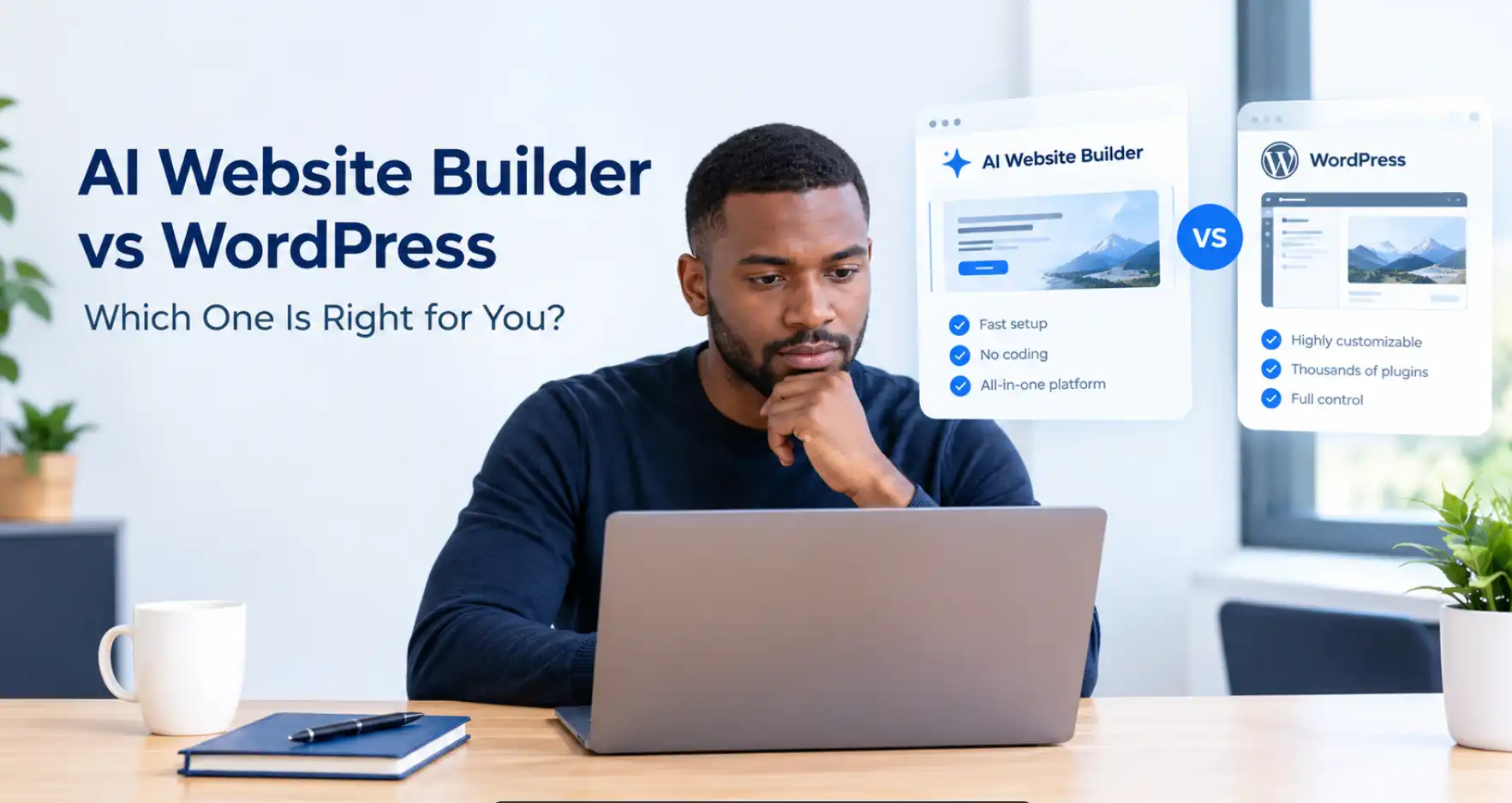
AI changed everything about how we make restaurant website for free platforms work. These tools actually understand restaurant businesses now. They know you need menus, they know you need reservation systems, they know customers want food photos front and center.
The technology got genuinely good around 2023. Before that, AI website builders were clunky and limited. Now? They’re solving real problems for real restaurants globally.
- Olitt AI Website Builder remains popular because it works. You answer questions about your restaurant, upload your logo, and it generates a complete website. The Starter plan includes hosting, domains, and other more features.
- Canva’s Website Builder surprised everyone in 2024. Known for design tools, they jumped into websites hard. Their drag-and-drop interface feels natural. Great for restaurants that prioritize visual storytelling. The free tier gives you enough to launch and test the market.
- Durable AI takes speed seriously. Type in your restaurant name and cuisine type, and 30 seconds later you’ve got a working website. Not a template. An actual site with AI-written copy about your business. It’s wild watching it work.
- Framer AI for restaurants wanting something more modern, offers animation-rich templates that feel premium. Coffee shops and trendy spots love it. The learning curve exists but the results look expensive.
- Google Sites. Completely free forever, no catches. Basic, yes. But functional. If you just need something simple that works, this gets you online today.
What tool you pick matters less than actually getting started. Most restaurant owners spend weeks comparing options when they could’ve been taking orders through a live website.
Building Your Restaurant Website Step-by-Step
Alright, enough theory. Let’s build this thing.
1) Pick your platform based on what you actually need.
Running a food truck with simple needs? Google Sites works fine. Operating a full-service restaurant with delivery? You’ll want Wix or Durable for their ordering integrations. Olitt works fine for all.
Before you even sign up, gather these items: your logo (or a clear photo of it), 10-15 photos of your best dishes, your full menu with prices, your story in a few sentences, and your hours of operation. Having this ready makes the process 10x faster.
2) Let the AI do its magic.
Most builders ask questions like: What type of food do you serve? What’s your restaurant’s vibe? What colors represent your brand?
Answer honestly. The AI uses this to make decisions about layout and style. If you say “family-friendly Italian,” you’ll get a different design than if you say “upscale fusion.”
Upload your logo when prompted. If you don’t have one, tools like Canva can generate simple text-based logos for free. Not perfect, but gets you moving.

3) Your menu deserves special attention.
This page makes or breaks conversions. People came to see what you serve and how much it costs.
Write descriptions that create desire, not just list ingredients. Instead of “Chicken sandwich with lettuce and tomato,” try “Grilled chicken breast with crispy lettuce, vine-ripened tomatoes, and our signature garlic aioli on toasted ciabatta.”
See the difference? One sounds boring. The other makes you hungry.
Include allergen information clearly. In 2025, customers globally expect to see dietary options marked. Vegetarian, vegan, gluten-free, dairy-free—call them out.
Price transparency builds trust. Hiding prices until people call creates friction and lost sales.
4) Build out your essential pages.
Your homepage should immediately communicate three things: what food you serve, where you’re located, and how to order or reserve.
The About page tells your story. Why did you start this restaurant? What makes your approach different? People connect with people, not just food.
Contact information seems obvious but gets neglected. Phone number, email, physical address and hours make them impossible to miss. Embed a Google Map directly on the page. Mobile users click the map to get directions instantly.
Add a gallery showcasing your space and your dishes. Quality matters more than quantity here. Ten stunning photos beat fifty mediocre ones.
5) Online ordering changes everything.
This is where things get interesting for restaurant owners globally looking to make a restaurant website for free that actually generates revenue.
Most AI website builders integrate with ordering systems. Wix connects with online ordering apps. Others partner with services that handle payments and delivery logistics.
Olitt AI Website Builder

You can also consider dedicated tools like Olitt AI, which offers a free 30-day trial specifically designed for restaurants. Olitt combines website building with built-in ordering systems, inventory management, and SEO tools that actually help local customers find you.
The platform includes menu management, QR code generators for contactless ordering, and automated marketing features. After your trial, the pricing stays competitive starting $19 annually.
The SEO tools alone help you rank for local searches like “restaurants near me” without hiring expensive consultants.
For reservations, services like OpenTable offer free basic plans for smaller restaurants. They take a small fee per reservation but handle all the technical details.
6) Mobile optimization isn’t negotiable.
After building your site, open it on your phone. Actually do this. Does everything load quickly? Can you tap the phone number to call immediately? Does the menu scroll smoothly?
Fix anything clunky. Your customers won’t be patient with mobile issues. They’ll just order from somewhere else.
Most AI builders optimize for mobile automatically, but always verify. Click every button. Test the ordering process. Make sure images load properly.
7) Basic SEO sets you apart.
Search engine optimization sounds technical but the basics are straightforward.
Every page needs a descriptive title. Instead of just “Menu,” use “Our Menu | [Your Restaurant Name] | Best Italian Food in [City].”
Add “alt text” to every image describing what it shows. This helps visually impaired users and tells Google what your photos contain.
Write naturally about your location and cuisine type. If you serve Thai food in Austin, mention “Thai restaurant in Austin” a few times throughout your content. Don’t force it, but don’t avoid it either.
Connect your website to your Google Business Profile. This free listing shows your restaurant in local search results and Google Maps. Crucial for being discovered by nearby customers.
Supercharging Your Site with Free AI Tools
Your basic website works. Now let’s make it better without spending money.

Food photography can make or break perceptions.
Even with a decent phone camera, you can create hunger-inducing shots. Natural light works wonders—photograph near windows during daytime.
Tools like Canva’s photo editor and Photoshop Express (free version) let you adjust brightness and color. Small tweaks transform average photos into professional-looking images.
If you’re really stuck without good photos, AI image generators like DALL-E have gotten surprisingly good at food imagery. Use them as temporary placeholders while you capture real shots, not as permanent solutions. Real food always looks more appetizing.
Your menu descriptions matter more than you think.
ChatGPT (free version) helps here. Feed it your basic menu and ask it to make descriptions more appealing. It won’t be perfect, but it gives you a starting point.
You can also get help translating menus. Restaurants in tourist areas benefit from multilingual options. Google Translate handles basic translations, though having a native speaker review ensures accuracy.
Customer service chatbots save you time.
Free chatbot tools like Tidio or Tawk.to answer common questions automatically. “What are your hours?” “Do you deliver?” “Are you open today?” The bot handles these while you focus on cooking and serving.
Set it up to collect contact info when someone asks about reservations. Even if the bot can’t book the table directly, you can follow up within minutes.
QR codes for contactless menus
Free QR code generators are everywhere. Create one linking directly to your digital menu. Print it on table tents. Customers scan and browse without touching physical menus.
You can update your digital menu anytime without reprinting. Ran out of salmon? Update the website instantly and the QR code reflects the change.
Getting Found
You built this beautiful website. Now people need to actually find it.
Local SEO drives restaurant traffic. When someone searches “pizza delivery near me,” you want Google showing your site.
Google Business Profile

Seriously, if you haven’t done this yet, do it today. Fill out every section completely. Add photos weekly. Respond to every review (positive and negative). Google rewards active businesses with better placement.
Your website content should naturally mention your location. “We’re proud to serve downtown Miami with authentic Cuban cuisine” tells Google and customers exactly where you are and what you offer.
Get listed in local directories. Yelp, TripAdvisor, Yellow Pages (yes, still), and city-specific dining guides all boost your visibility. Make sure your restaurant’s name, address, and phone number match exactly across all platforms. Inconsistencies confuse search engines.
Reviews impact rankings directly. More positive reviews equal better placement. Encourage happy customers to leave reviews on Google. Don’t incentivize them (against Google’s rules), but definitely remind them.
Create simple content that answers questions. A blog post about “Best dishes to try at our restaurant” or “Behind the scenes in our kitchen” gives Google more content to index. More indexed pages mean more chances to rank for different searches.
On-page SEO comes down to smart basics:
- Put your main keyword in your page title
- Use location names in your headers naturally
- Make your site load fast (compress images)
- Use descriptive URLs like “yourrestaurant.com/lunch-menu” not “yourrestaurant.com/page2”
- Link your pages together logically
Tools like Olitt AI include built-in SEO optimization that handles technical details automatically. Their platform analyzes your content and suggests improvements based on what local customers actually search for. During your free 30-day trial, you can test how their SEO tools impact your visibility without any financial commitment.
Mistakes That Kill Restaurant Websites
Let’s talk about what not to do. These mistakes cost you customers daily.
- Hiding your menu prices annoys people. They assume you’re expensive and leave without calling. Just show the prices. Transparency builds trust globally, not suspicion.
- Outdated information destroys credibility. If your website says you’re open but you’re actually closed, customers get frustrated. Update your hours immediately when they change. Same with menu items—if you’ve removed dishes, remove them from the site too.
- Complicated navigation loses hungry people fast. They want to see your menu, find your location, and place an order. Make these three actions obvious and easy. If finding your phone number requires clicking through four pages, you’re doing it wrong.
- Ignoring mobile users means ignoring 75% of potential customers. Test everything on phones. If your ordering button doesn’t work on mobile, you’re literally preventing sales.
- Slow loading kills conversions. Every second of load time reduces conversions by 7%. Compress your images. Remove unnecessary animations. Speed beats fancy every time.
- No clear call-to-action leaves visitors confused. Tell them what to do next: “Order Now,” “Book a Table,” “View Our Menu.” Don’t make them guess.
- Missing contact information seems impossible, but happens constantly. Put your phone number and address on every page, preferably in the header or footer. Make calling you effortless.
When Free Becomes Limiting
Free plans work brilliantly for many restaurants. But you’ll eventually hit limitations worth understanding.
Most free website builders display their branding. “Built with Wix” appears in your URL or footer. Not a dealbreaker, but it looks less professional than a custom domain.
Storage limits matter if you’re posting lots of high-res food photos and videos. Free plans typically offer 500MB to 2GB. Sounds like plenty until you’ve uploaded 100 photos at 5MB each.
Advanced ordering features often require paid plans. Want to offer loyalty programs? Track customer data? Send automated marketing emails? You’ll need to upgrade.
The good news? Paid plans run $10-30 monthly for most platforms. Still dramatically cheaper than hiring developers. And if your free website generates orders, upgrading pays for itself immediately.
Signs you’re ready to invest in a paid plan:
- You’re processing 50+ online orders monthly
- You need a professional custom domain
- Customer tracking and email marketing become priorities
- You’re expanding to multiple locations
- The free plan’s storage is maxed out
Platforms like Olitt AI bridge this gap nicely with their free 30-day trial that includes premium features. You get to test inventory management, advanced SEO tools, automated social media posting, and customer analytics without immediate investment. If it drives results, the modest monthly cost becomes a no-brainer.
Making It Happen Today
You’ve got the information. Now comes the easy part: actually doing it.
Perfection kills progress. Launch your site, then improve it based on real customer feedback. You’ll learn more from actual usage than endless tweaking before launch.
The restaurants thriving globally right now? They started exactly where you are. They decided to make a restaurant website for free using available tools. They launched imperfectly and refined along the way.
Your future customers are searching for restaurants right now. Make sure they can find you.
Start building today. Your digital presence won’t create itself, but with these tools, it practically can.