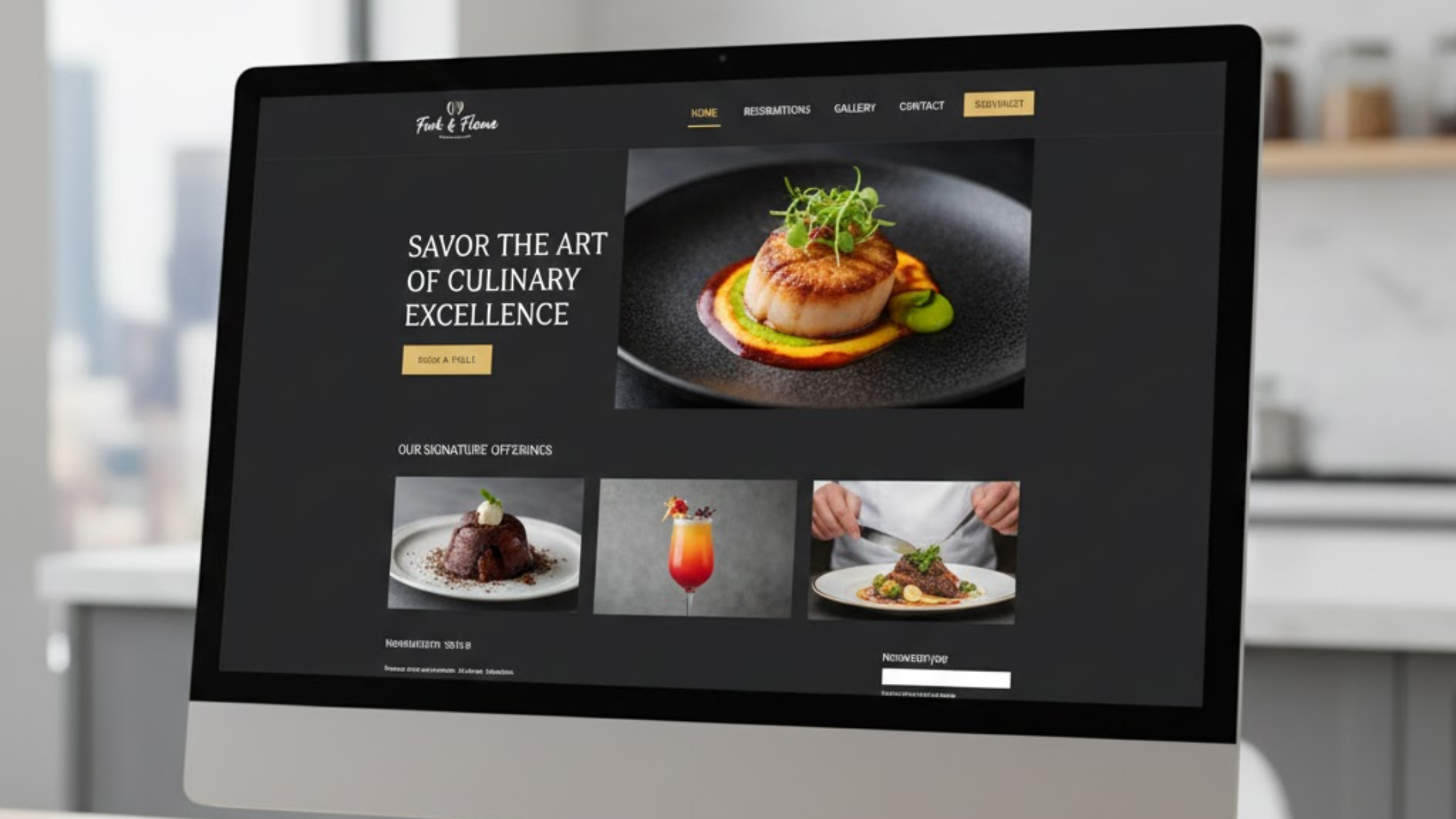
AI is transforming how websites are built, making the process faster, smarter, and more effortless than ever.
You can now start with a simple idea for your business website, and within minutes, AI can design the layout, tailor content to match your visitors’ interests, and even boost your search rankings.
No more long nights spent coding or paying extra for web developers. That’s the power of AI web design today.
If you’re a small business owner or freelance designer, you already know how hard it is to balance time, cost, and creativity.
Traditional websites can feel rigid and outdated, which can make visitors leave before you can capture their attention.
But the main question is, what are the main features of AI web design?
These smart tools turn a basic website into a dynamic, engaging experience that keeps people coming back.
In this guide, we’ll discuss how AI simplifies every step from content creation to security and how you can use these tools to build a better website right now.
Here’s what we’ll cover:
- AI-powered content personalization
- Automated layouts for any device
- Quick asset and content creation
- Built-in SEO optimization
- Tools that track user experience
- Security and smart development support
Let’s get started.
AI-Driven Content and Personalization
Generic websites don’t impress anyone anymore. Visitors expect personalized experiences.
AI changes this by learning what people like and adapting your website in real time.

For example, imagine an online clothing store. When a returning customer visits, AI recognizes their past purchases and suggests matching items or special offers.
Instead of a static homepage, every visitor sees something made just for them.
This works through machine learning, which studies user data such as location, browsing habits, and past clicks.
It then adjusts text, headlines, and images automatically.
Why does personalization matter? Because it increases engagement.
Studies show that websites using AI personalization can see up to 30% longer visit times and 20% higher sales.
At Olitt AI, this is built into the core system. You can set your rules once, and the AI keeps your site updated automatically.
How It Works in Practice
Start with your goal. For example: “Increase newsletter sign-ups for eco-friendly brands.”
AI will test different versions of your website and show the best results.
It might even change the homepage content based on local weather—for instance, promoting umbrellas on a rainy day.
Here’s what you gain:
- Higher conversions as visitors see offers that match their needs.
- Less manual work because updates run on autopilot.
- Built-in privacy compliance with global standards like GDPR.
A fitness coach who used Olitt AI saw a 25% increase in sign-ups after the AI began recommending workouts based on each user’s goals.
You can achieve similar results by connecting your personalization settings with email tools like Mailchimp for automated follow-ups.
Automated Design and Layout
Staring at a blank page can be intimidating. AI removes that stress by generating layouts based on your description.
Type something like “Modern site for a coffee shop with menu highlights.”
Within minutes, the AI builds a full layout that looks good on phones, tablets, and desktops.
Traditional design can take weeks. With AI, it takes hours. You don’t need coding skills. You can drag, drop, and customize everything easily.
Responsive design is also crucial today. Over 60% of all web traffic in 2025 comes from mobile devices.
Google rewards sites that load fast and adapt well, so this feature directly improves your ranking.
Olitt’s layout generator offers more than 200 templates. You pick one, and AI tailors it to your brand colors and logo automatically.
Step-by-Step Setup
- Describe your vision in one short sentence.
- AI creates several layout options.
- Choose your favorite and make small edits.
Benefits include:
- Up to 70% faster build time.
- Consistent branding across all devices.
- Easy scaling when your business grows.
A startup used Olitt’s layout feature to launch an online shop in just one day. Because the site looked perfect on mobile, their traffic doubled within a week.
Tip: Always preview your design on real devices before publishing. AI gets most of it right, but your eye adds the final polish.
Content and Asset Creation
Creating content from scratch can be tough. AI helps you write, design, and polish everything quickly while keeping your brand voice.

Need a new banner image? Just describe it. For example: “Warm cafe scene with customers enjoying coffee.”
AI generates multiple image options that you can edit or upscale instantly.
The same goes for text. Enter a few keywords, and AI produces SEO-friendly headlines, descriptions, and blog posts in your tone.
This saves money and time. You no longer need to hire separate freelancers for every small task.
You can focus on strategy and creativity instead.
Olitt’s asset suite combines writing, image creation, and editing tools all in one place.
Quick Wins with AI Tools
- Copy that converts: Ask AI to write an engaging “About” section or product description.
- Improved visuals: Turn blurry photos into sharp 4K images.
- Brand consistency: AI automatically matches colors and fonts to your brand.
| Task | Traditional Time | AI Time |
| Write 500-word article | 4 hours | 30 minutes |
| Edit product photos | 1 hour | 5 minutes |
| Design logo | 2 days | 10 minutes |
That’s a big time savings. One blogger reduced their weekly workload by half using AI tools and maintained professional results.
Remember, though—AI helps you start faster, but your human touch makes it real. Always review and refine the results before publishing.
SEO Enhancement
Every website wants to rank high on Google. AI makes this easier by automating SEO tasks and finding areas to improve.
It can automatically write meta descriptions, image alt texts, and keyword-rich headlines. It also checks your page speed, structure, and internal links daily.
Voice search is also growing fast. More than 50% of users now search by voice. AI optimizes your content for natural questions like “Where can I find the best coffee near me?”
Olitt’s SEO dashboard helps you track your performance and offers simple tips for improvement.
Actionable SEO Steps
- Define your main keywords early.
- Let AI generate long-tail variations like “affordable web design tools.”
- Monitor progress with automatic reports.
AI-optimized sites can rank up to 15% higher on average. This means more organic traffic and better visibility.
Avoid overusing keywords. AI ensures your content stays smooth and natural.
UX and Performance Tools
A slow website loses visitors quickly. Research shows that a one-second delay can reduce conversions by 7%. AI helps prevent that.

It uses heatmaps to show where users click and scroll most. You can move important buttons or content to those “hot” areas for better engagement.
AI also runs automatic A/B testing to compare different headlines or images.
It picks the version that performs better based on data, not guesswork.
For performance, AI compresses images and cleans up your code, ensuring your site meets Google’s Core Web Vitals standards.
Reading the Data
- Hot zones: Highlighted areas show user focus—place CTAs there.
- Cold spots: Low activity areas might need fewer elements.
- A/B results: Keep the version that brings the most clicks.
Olitt integrates with Google Analytics, giving you a full picture of user behavior.
One marketing agency increased its conversions significantly after applying AI-based UX insights.
Enhanced Security and Development
Behind every great site is strong security. AI tools now act like digital bodyguards, constantly scanning for threats.
They check for weak passwords, outdated scripts, or unsafe plugins. If an issue is found, the AI alerts you and even suggests or applies a fix.
This isn’t just about protection—it’s about trust. Visitors are more likely to stay and buy when they see your site is secure.
AI also streamlines development. It automates testing, integrates updates, and keeps your workflow organized.
You can even connect tools like GitHub or Slack to get real-time notifications.
Key Safeguards
- Real-time alerts for security risks.
- One-click fixes for common issues.
- Full encryption and SSL checks.
The benefits are clear:
- Faster development cycles, up to 40% shorter.
- Better compliance with privacy laws.
- Higher user trust and improved search rankings.
Olitt runs automatic scans for every build, so you can focus on growing your business without worrying about threats.
Final Thoughts on Main Features of AI Web Design In 2025
You started with one question: What are the main features of AI web design?
Now you know. AI helps you personalize content, automate layouts, create assets quickly, optimize SEO, improve user experience, and strengthen security all while saving time and money.
These tools are not just trends. They’re practical solutions that help small businesses grow faster online in 2025.
Try one feature at a time and watch the difference. With Olitt AI, it’s simple to start and even easier to manage.
Want to see it in action? Start your free trial on Olitt and build your first AI-powered website today.
What feature excites you most? Share your thoughts in the comments.