Are you a digital agency owner who needs to launch a professional website fast?
Maybe you just signed your first big client and want to impress them with a polished, high-converting site. Or perhaps your current website is outdated and difficult to manage, so you need to update asap.
But the problem is:
You don’t have days or weeks to spend coding, designing, or learning new website-building tools.
What’s more, it can be frustrating if every time you need to make a simple website update, you have to call a developer, wait days for changes, and pay extra for every small tweak.
Not only is all this time-consuming and costly, but it also keeps you from growing your agency and serving your clients.
But what if we told you you don’t have to struggle anymore?
With Olitt, a powerful and easy-to-use AI website builder, you can now create a professional, fully functional agency website in just minutes without touching a single line of code, hiring an expensive designer, or juggling multiple tools.
In this guide, we’ll walk you step-by-step through how to create an agency website in minutes with AI.
But First, Why Does Your Agency Website Matter?
Your website is the first impression many potential clients will have of your agency, and it will most likely determine whether they’ll work with you or move on to a competitor.
If your site looks outdated, loads slowly, or feels clunky, visitors will likely leave before you have a chance to win them over.
For agencies, your website has three primary roles:
- It’s your top tool for attracting new clients, whether through search engines, paid ads, or referrals.
- It’s where you showcase your expertise through portfolios, case studies, and testimonials.
- It’s your conversion engine, turning visitors into leads and paying clients through content, live chat, and sign-up forms.
If your site fails at any of these roles, you’re leaving money on the table.
Unfortunately, building and maintaining a high-performing website traditionally requires either significant technical skills or a big budget. This is where AI steps in to level the playing field.
Meet Olitt: The Easy-to-Use AI Website Builder
Olitt is an AI-driven website builder designed to help agencies go live fast, look professional, and grow their businesses without the technical headaches.
Without an AI tool like Olitt, launching a professional website can be a complex, time-consuming process.
Imagine you run a small social media marketing agency, and you want to build a website for it. Traditionally, you’d have to spend thousands of dollars hiring a designer and developer or invest months learning complicated platforms like WordPress, Webflow, or Drupal.
On top of that, you’d need to piece together hosting, SSL certificates, domains, email services, and third-party integrations. In the end, a simple agency website takes six to eight weeks to go live.
Olitt has completely transformed this process, making it easier and faster.
Instead of starting with a blank canvas, it asks you a few questions about your agency, such as the services you offer and the design style you prefer. The AI then generates a complete draft site with pages like Home, About, Services, and Contact, all pre-filled with placeholder text and images.
From there, you can customize everything using a drag-and-drop editor. There’s no coding required, and no steep learning curve.
Once you’ve made your changes, you simply connect your domain and publish your site. The entire process takes less than an hour.
Why Olitt Stands Out
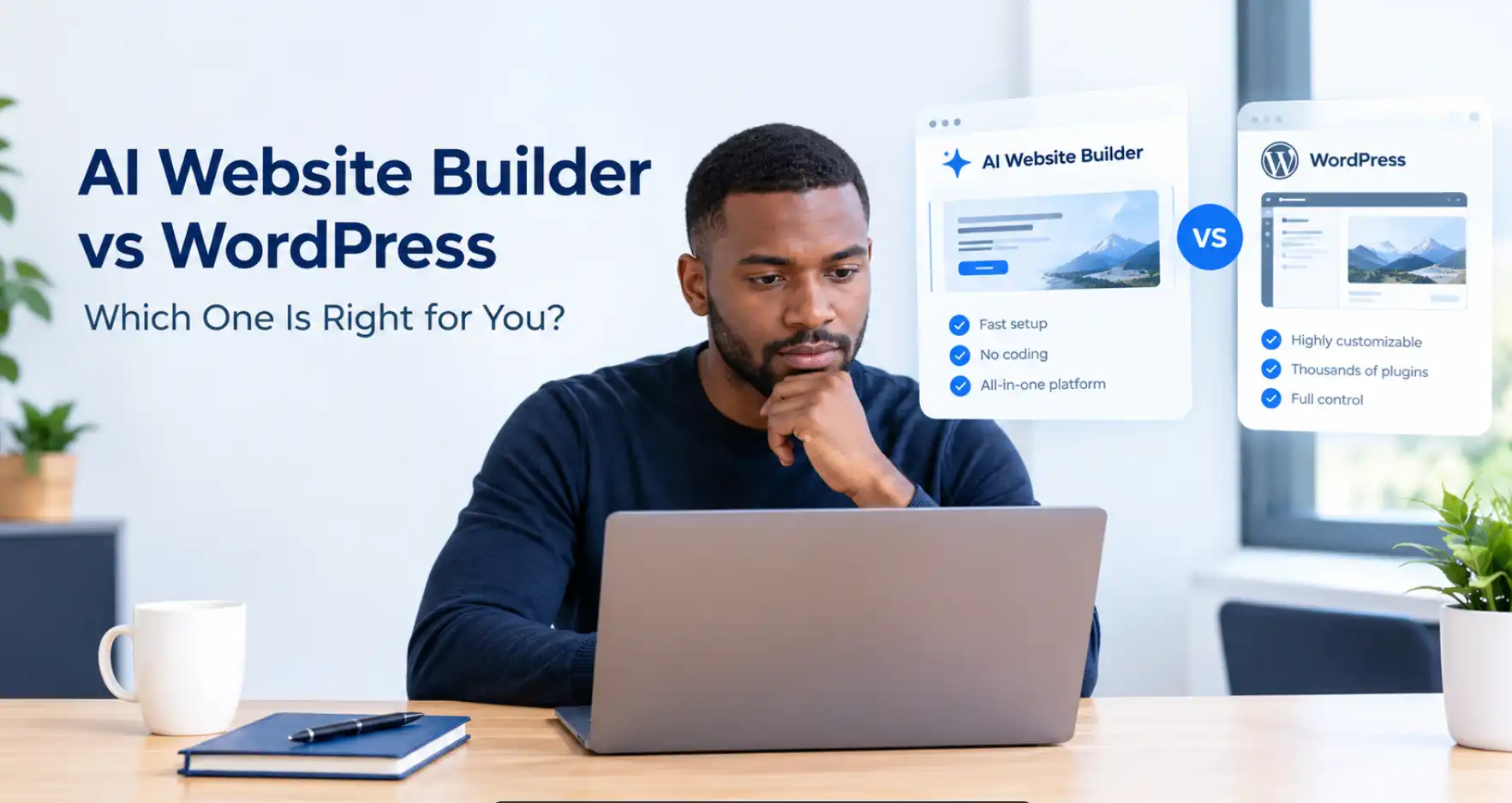
There’s no shortage of website builders on the market today. Wix, Squarespace, Duda, and Durable are some popular options.
However, Olitt offers a unique balance of features, affordability, and speed that make it especially appealing for solo founders and small agencies.
Unlike competitors that require steep ongoing monthly payments, at just $19 annually for its starter plan, Olitt’s pricing is quite beginner-friendly.
In addition to a free domain, it also includes free hosting and SSL certificates, which are must-have security features. This means you don’t need to buy separate hosting plans or figure out how to secure your site, as it’s all handled for you.
Build A Successful Agency Website With AI In 5 Steps
Here’s a practical walkthrough of how to create your website quickly and effectively using Olitt.
Step 1: Sign Up for Olitt
The first step is simple: head to Olitt.com and under websites, click website builder, then start building.
The free plan lets you test the interface and understand how it works before making any financial commitment.
When you’re ready, you can upgrade to any of the paid plans: the starter plan for $19, the pro plan for $49/year, and the business plan for $199/year.
If you plan to build multiple websites for both your agency and your clients, this upgrade is a no-brainer. Compared to paying $15 to $159 per month on a platform like Wix, or $25 to $199/month for Duda, or even Shopify, which promises to be cheap, Olitt is feature-packed, and also lets you build up to 30 websites.
For smoother integration later, it’s smart to sign up using the same email address you’ll use to manage your domain.
Step 2: Let the AI Build Your Website
The first thing you do after you open Olitt’s AI website builder is to enter the business name.
The AI will then guide you through a quick questionnaire. It will ask about the type of business you’re creating the site for, your main goals, your preferred design style, calls to action, and more.
The final website design will depend on your industry, design preferences, and the business goals you specify. For example, if you say your site is for a marketing agency, it should have bold colors, and its main goal is to capture leads, the AI might suggest a clean, professional layout. It will also add lead capture elements like forms and contact buttons. Your design preferences.
When you finish answering, the Olitt AI website builder will instantly generate a complete website description, then create the design based on it.
Choose a price plan. At this point, choose the free plan and use it for 30 days. But you can also sign up for the paid plans, as they will give you full access to more superior features.
The builder will go through a series of building steps (all of them in the background).
Once done, you’ll have a complete website draft ready for editing and publishing. Here’s a sample website I’ve generated from the prompts shown above.
Just like I specified in my answers, the site comes complete with images, case studies, calls to action, and a blog/resources section. You can edit all these sections as you see fit.
One thing you’ll notice about Olitt’s AI is that it goes into very granular detail when creating your pages and will even develop sections, tabs, cards, and contextual text to better capture your offering.
So, after just 20 to 30 minutes working with Olitt,
You’ll have a complete website with 3 pages. In this example, we have a home page, a service page, and a call to action page (contact us or subscribe) with a form. The pages require very little editing before I go live.
Step 3: Customize Your Website
Even though the AI gives you a strong starting point, you’ll want to personalize your site to reflect your unique brand. Olitt’s editor makes this simple and intuitive. You can click directly on any text and start typing to edit it. You can swap out images in seconds for your own team photos, portfolio pieces, or brand visuals.
You can also drag sections into place to rearrange them, allowing you to control the flow of each page.
If you need additional pages, such as a blog or a dedicated landing page for a special campaign, you can add them with a few clicks.
For agencies that want more design control, Olitt offers templates that will allow you to completely change your site’s layout without needing to start over.
And because the editor is visual, there’s no coding required at any stage.
That said, although it’s extremely important to customize your agency website, avoid spending too much time on it, especially at the beginning.
The site generated by the AI gives you a solid foundation you can build on immediately, as it is all done for you and is still pretty decent to go live. So if you’re still figuring out your business, you could go live and make small edits daily until you have your perfect website.
This will keep you from getting stuck in the editing phase and never hitting that publish button.
Step 4: Add Core Features That Drive Leads
A great agency website is about more than looking good — it needs to function as a lead generation machine. Olitt includes several built-in features designed to help you capture and convert visitors.
You can add lead capture forms to collect client inquiries directly from your site. If you sell service packages or retainers, Olitt’s e-commerce tools allow you to accept payments securely through Stripe or PayPal. Live chat functionality lets you engage with potential clients in real time, answering questions before they bounce.
For tracking and marketing, Olitt integrates with Google Analytics and Facebook Pixel. This helps you understand where your traffic is coming from and optimize your ads for better results. If you have advanced needs, you can even add custom JavaScript for more specialized integrations.
These features transform your website from a static brochure into an active part of your sales process.
Step 5: Connect Your Domain and Go Live
Now that you’re all done with editing, it’s time to hit the publish button.
Your domain name is critical for building trust and credibility. While Olitt provides a free subdomain like youragency.olitt.com for instant launches, you’ll want to connect a custom domain for a professional appearance. Something like youragency.com or youragency.co.us (or any other country domain) makes a much stronger impression on potential clients.
Connecting a domain is straightforward. You can purchase one directly through Olitt or buy it from a registrar like Truehost.
Once you have your domain, use Olitt’s built-in DNS tools to point it to your site. Olitt automatically includes a free SSL certificate, which secures your site and helps with SEO.
When everything is connected, hit publish, and in a few moments, your agency will have a live, fully functional website.
Step 6: Optimize and Grow
Launching your site is only the beginning. To get the most out of it, you need to continuously optimize and grow.
Luckily, Oilitt has all the marketing tools you need to nurture leads and grow. You could, for instance, do the following:
- Track performance with Google Analytics. This tells you where your visitors are coming from, which pages they spend time on, and where they drop off.
- If you’re running ads, integrate your Facebook Pixel to measure conversions and improve targeting.
- Segment your email leads for better content and product targeting.
- Regularly update your site with new portfolio pieces, client testimonials, and case studies to keep it fresh.
- Add a blog section (you should have done this at the questionnaire stage) and use content marketing to improve SEO and position your agency as a thought leader.
- If you notice certain pages aren’t performing well, try A/B testing different layouts or headlines to see what converts best.
Because Olitt’s editor is so easy to use, you can make these updates yourself without hiring a developer or waiting weeks for changes.
For example, you might discover through analytics that most of your site’s traffic comes from mobile devices. With this insight, they can tweak their mobile layout and improve conversions.
Final Thoughts: Start Building With Olitt
Building an agency website used to be a stressful, expensive, and time-consuming process. But with an AI Website Builder, you can create a polished, professional, lead-generating site in just minutes, and at a fraction of the cost of traditional methods.
Whether you’re a new freelancer looking to establish your brand or an established agency ready to scale, you need a professional, easy-to-update website. With Olitt, you can focus on what matters most: growing your business and serving your clients.
So what’re you waiting for?
Sign up for Olitt today, let the AI website builder do the heavy lifting, and go live with a site that will impress clients and drive growth from day one.